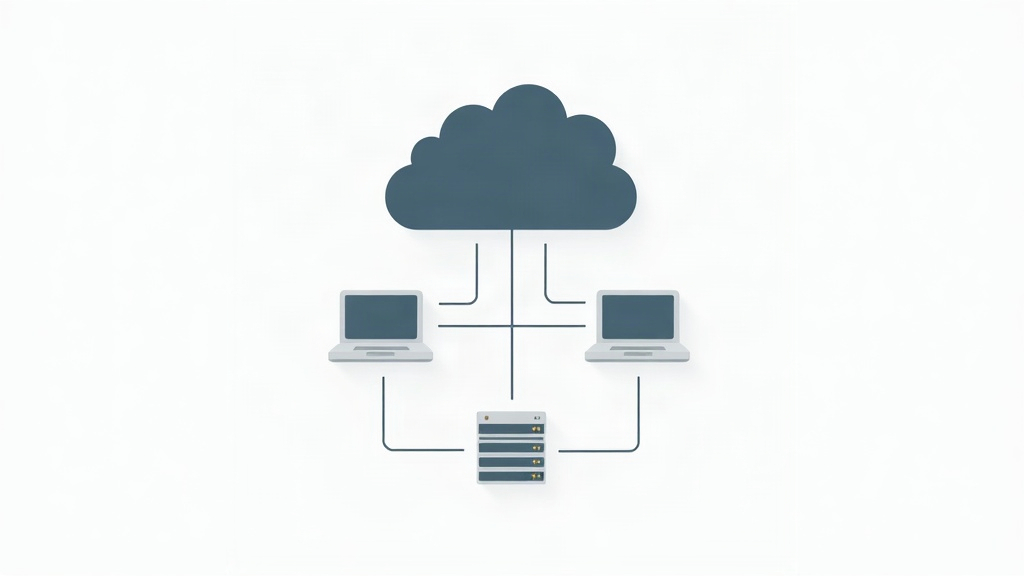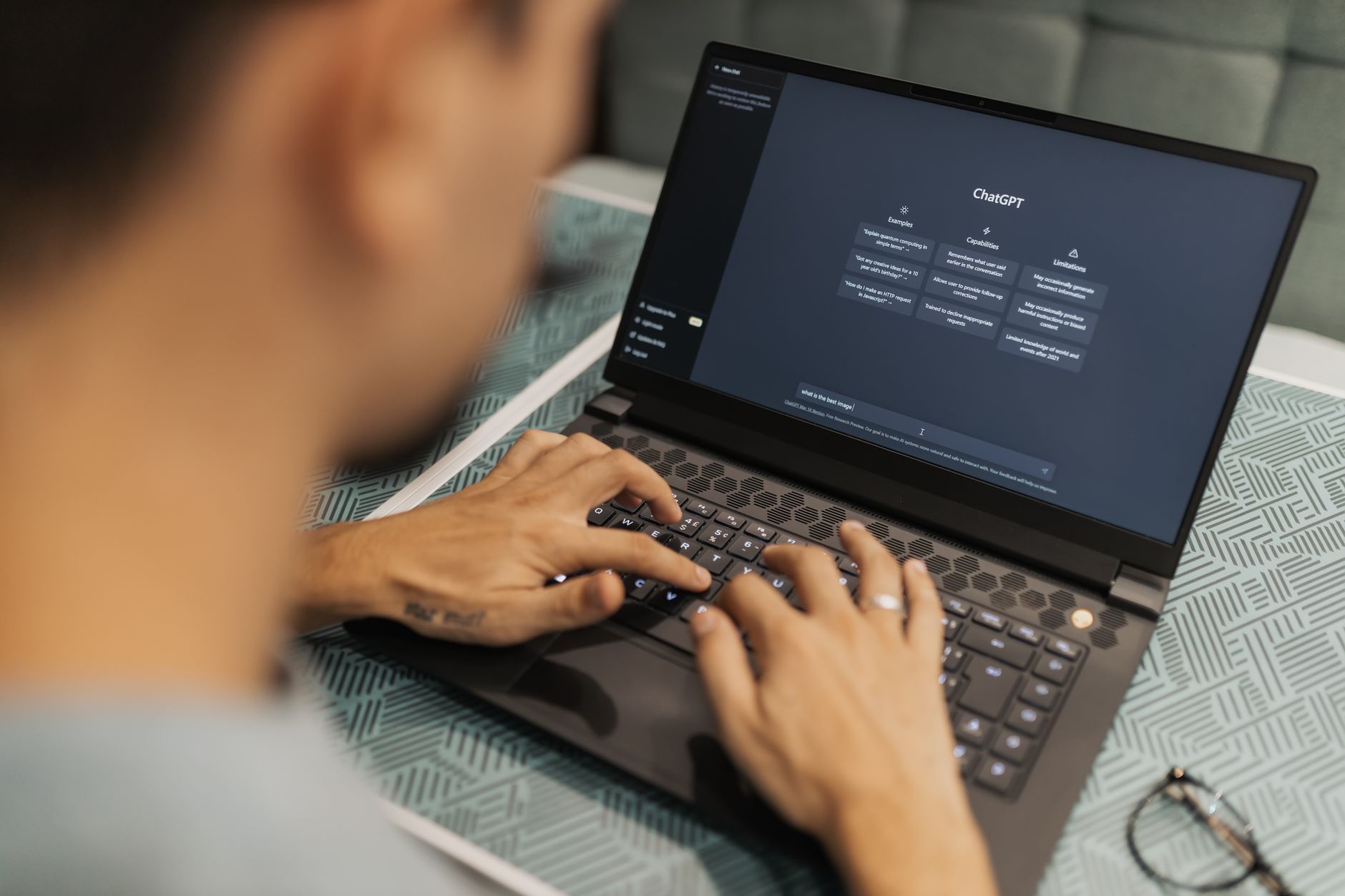
Most people pay for AI tools before they understand what happens under the hood. You type a prompt and a model responds. The result feels intelligent, but the process is probabilistic. At the core, a large language model predicts the next word or token in a sequence. It does this after training on billions of pages of text. That prediction engine powers ChatGPT, Claude, Perplexity, and Notion AI. The differences come from data, context windows, retrieval, and interface. Before you add another subscription, read our best AI tools subscription guide to see what actually earns a spot in your stack.
Understanding the mechanics matters because subscription overlap is expensive. A ChatGPT Plus plan at $20 per month and a Claude Pro plan at $20 per month can climb to $40 before you add Perplexity or Notion AI. Many solopreneurs pay for three or four tools that overlap. Our AI subscription consolidation workflow walks through eliminating redundant spend. The official OpenAI pricing page lists the Plus plan at $20 monthly. Anthropic’s Claude Pro page also starts at $20 monthly. Those two numbers alone show why a minimal AI stack matters.
The tools in this comparison use similar building blocks. They all run neural networks with attention mechanisms. They all turn text into tokens. They all sample outputs based on learned probabilities. But the product layer changes everything. ChatGPT adds browsing and image generation. Claude focuses on long context and natural prose. Perplexity adds live web citations. Notion AI embeds in your workspace. n8n does not generate text at all. It connects these models to automations. For a hands-on look at the top model clash, see our ChatGPT vs Claude Pro comparison.
We tested these tools with real writing, research, and workflow tasks. We checked official pricing pages, plan limits, and practical output quality. The goal is simple. Decide what to keep paying for and what to cut. This article explains how each approach works and where it fails. We paid for the plans with our own money. No vendor sponsored this review. If you want the solopreneur view, our solopreneur AI stack lays out a lean setup. Now let’s get into the mechanics and the tools.
How Do the Top Options Compare?
| Tool | Best For | How It Works | Starting Price | Main Limitation |
|---|---|---|---|---|
| ChatGPT | General-purpose assistant | Predicts text from OpenAI’s GPT models plus browsing and image generation | $20/mo Plus | Broad but sometimes shallow |
| Claude Pro | Long-form writing and coding | Uses Anthropic’s Claude model with a large context window | $20/mo Pro | Fewer native integrations |
| Perplexity Pro | Cited research answers | Combines an LLM with live web retrieval and citations | $20/mo | Weak for local or transactional queries |
| Notion AI | Workspace writing and summaries | Embeds AI into Notion docs, wikis, and databases | $10/member/mo add-on | Not a frontier model |
| n8n | Workflow automation | Connects AI APIs to apps using visual nodes | Free self-hosted | Requires setup and maintenance |
Prices are starting list prices from official pages. G2 ratings vary by date. Check G2 for current user sentiment before committing.
1. ChatGPT , General-purpose assistant with browsing and image generation
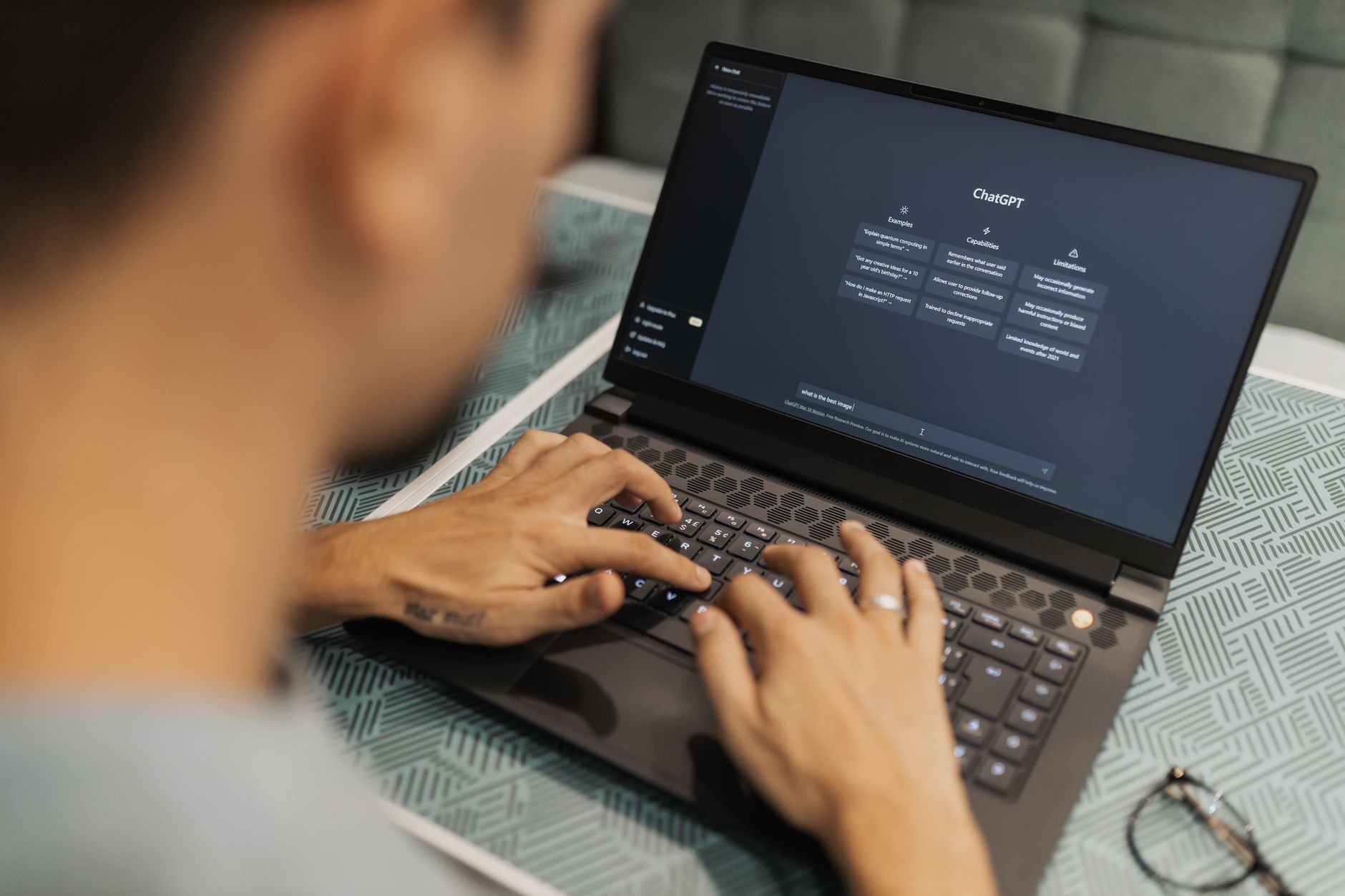
ChatGPT is the default AI for most people. OpenAI’s model predicts the next token from a massive training set. The $20 per month Plus plan adds GPT-5 access, browsing, and image generation. That plan covers most everyday tasks. However, broad ability can mean average depth. It answers many things well but rarely writes with the polish of Claude.
The chat interface feels fast and familiar. It also supports custom GPTs for repeat workflows. If you want one tool that does a bit of everything, ChatGPT is hard to beat. The free tier still works for occasional prompts, but it throttles access during peak times.
Downsides exist. It can hallucinate confidently. The browser feature sometimes lags behind Perplexity for cited research. And OpenAI’s frequent product updates can change your workflow without warning.
Key strengths:
- ✅ Broad feature set including browsing, image generation, and voice.
- ✅ Familiar chat interface with low learning curve.
- ✅ Custom GPTs let you save prompts for repeat tasks.
- ✅ $20/month Plus plan is competitive for what you get.
- ❌ Can be shallow for long-form writing compared with Claude.
- ❌ Research citations are weaker than Perplexity.
- ❌ Frequent updates can disrupt saved workflows.
Who it’s for: Choose ChatGPT if you want one general assistant that handles chat, search, images, and basic automation.
2. Claude Pro , Long-form writing, coding, and nuanced instruction following
Claude Pro comes from Anthropic. The model is tuned for helpful, natural prose and strong instruction following. It has a large context window, often 200K tokens or more depending on the version. That means you can paste long documents and get coherent summaries. Writers and developers tend to prefer Claude for detailed tasks. Our Claude Pro review covers the real-world tradeoffs.
The price matches ChatGPT Plus at $20 per month. The difference is depth over breadth. Claude lacks native image generation in most plans. It focuses on text quality and analytical reasoning.
The main weakness is integration. Claude connects to fewer third-party apps than ChatGPT. You often need to copy and paste between tools. If you write long reports or code, that friction is worth it. For casual users, it might feel limited.
Key strengths:
- ✅ Excellent long-form writing and tone control.
- ✅ Large context window reduces the need to re-explain.
- ✅ Strong at following multi-step instructions.
- ✅ Same $20/month price as ChatGPT Plus.
- ❌ Fewer native integrations and plugins.
- ❌ No built-in image generation on standard Pro plan.
- ❌ Less effective for live web research than Perplexity.
Who it’s for: Choose Claude Pro if your work depends on long documents, code, or nuanced written output.
3. Perplexity , Cited research answers from live web search
Perplexity works differently from a pure model chat. It combines a large language model with live web retrieval. Every answer includes source links. That makes it easy to verify claims. For research-heavy questions, it often beats ChatGPT’s browsing mode. Our Perplexity vs ChatGPT search comparison digs into which one wins for different queries.
The Pro plan costs $20 per month. It adds more searches, file uploads, and model selection. Perplexity’s weakness is transactional and local search. It cannot replace Google Maps or banking sites. It also struggles with highly subjective advice. But for fact-finding, it is the fastest cited answer tool in this list.
Key strengths:
- ✅ Every answer includes clickable citations.
- ✅ Fast at pulling recent information from multiple sources.
- ✅ Pro plan includes stronger models and file uploads.
- ✅ Clean reading experience for research.
- ❌ Weak for local and transactional searches.
- ❌ Less capable for long creative writing.
- ❌ Subscription may overlap with ChatGPT browsing if you already pay for Plus.
Who it’s for: Choose Perplexity if you need fast, cited answers and do frequent web research.
4. Notion AI , Writing and summarizing inside your workspace

Notion AI embeds directly into Notion docs, wikis, and databases. It does not try to be a standalone chatbot. Instead, it helps you draft, edit, summarize, and brainstorm where your work already lives. That context matters for reducing copy-paste time.
The add-on runs around $10 per member per month billed annually, though monthly pricing runs slightly higher. The limitation is model quality. Notion AI is convenient, but it is not a frontier model. For heavy reasoning or long creative work, Claude or ChatGPT will outperform it. Use Notion AI for meeting notes, project summaries, and quick drafts inside a shared workspace.
Key strengths:
- ✅ Eliminates copy-paste between AI and your notes.
- ✅ Works inside Notion databases and docs.
- ✅ Good for team summaries and meeting notes.
- ✅ Lower add-on price than a full separate subscription.
- ❌ Not as strong as Claude or ChatGPT for complex reasoning.
- ❌ Only useful if you already live in Notion.
- ❌ Add-on cost multiplies with team size quickly.
Who it’s for: Choose Notion AI if your team already uses Notion and needs lightweight writing help in context.
5. n8n , No-code workflow automation for AI tools
n8n is not a language model. It is a visual automation platform. You connect AI models like OpenAI or Anthropic to other apps using nodes. For example, you can trigger a workflow when a new row hits Airtable, send the text to Claude, then post the result to Slack. The AI does the thinking. n8n does the plumbing.
The self-hosted community version is free. Cloud plans start around $20 per month, but you should check current pricing before signing up. The downside is maintenance. Self-hosting requires technical setup. Cloud plans add per-execution costs. n8n makes sense only when you have repeatable workflows with multiple steps. If you just want to chat, skip it.
Key strengths:
- ✅ Connects AI models to hundreds of apps without code.
- ✅ Free self-hosted version for small workflows.
- ✅ Great for eliminating manual copy-paste between tools.
- ✅ Visual nodes make logic visible.
- ❌ Requires setup effort and occasional debugging.
- ❌ Cloud pricing can climb with execution volume.
- ❌ Not a text generation tool on its own.
Who it’s for: Choose n8n if you need to automate AI calls across multiple apps and are comfortable with workflows.
Frequently Asked Questions
How does AI actually work?
AI models learn patterns from large datasets. They predict the next word or token based on context. The model assigns probabilities to possible outputs and picks the most likely sequence. Tools like ChatGPT and Claude add instruction tuning and reinforcement learning to make answers more helpful.
Which AI tool is best for writing?
Claude Pro is often stronger for long-form writing and nuanced editing. ChatGPT Plus is more versatile with browsing and image generation. Perplexity works better for research-backed drafts. Notion AI helps when writing inside a connected workspace.
Is Claude better than ChatGPT?
Claude tends to produce more natural prose and follows complex instructions well. ChatGPT has broader multimodal features and a larger plugin ecosystem. The right choice depends on whether you need writing depth or extra tools.
Does Perplexity replace Google?
Perplexity replaces some searches because it returns cited answers instead of link lists. It still misses transactional and local searches. Use it for research questions, not for checking your bank account.
Can Notion AI replace separate AI subscriptions?
Notion AI can replace basic writing and summarization tools if you already live in Notion. It is not a full substitute for frontier models like Claude or GPT. Most users keep one standalone model plus Notion AI for workspace tasks.
What does n8n do in an AI stack?
n8n connects AI models to other apps through no-code workflows. It does not generate text on its own. It orchestrates AI calls, schedules tasks, and moves data between tools.
What Should You Remember?
- Prediction engine: AI works by predicting the next token from training data.
- Tool differences: ChatGPT, Claude, Perplexity, and Notion AI use the same base idea but different interfaces.
- Pricing check: ChatGPT Plus and Claude Pro both start at $20 per month.
- Subscription bloat: Many users pay for overlapping AI capabilities they can consolidate.
- Workflow fit: Pick the AI that lives where you already work.
- No single winner: The best AI stack depends on your writing, search, and automation needs.
This article is for general information only. AI subscription pricing, feature tiers, and free limits change frequently , always verify current pricing and plans on the vendor’s official site before committing to any purchase or cancellation.